
A stopped conveyor can hide a jammed roller, failed brake, overloaded gearbox, or dangerous stored energy behind a simple trip indication. You will be able to isolate the equipment, identify whether the motor or conveyor caused the stop, and complete a controlled restart without turning a reset into a second failure.
Key takeaways
- Isolate electrical, mechanical, pneumatic, and stored energy before opening guards.
- Check belt, gearbox, bearings, and load before blaming the motor.
- Use the nameplate, overload setting, and fault history to identify the trip.
- Restart empty, jog briefly, run unloaded, then introduce material gradually.
Make the Conveyor Safe Before You Touch the Motor
Do not open a guard or press Reset after a jam, emergency stop, power failure, belt slip, or long stoppage. Treat the conveyor as live until you isolate its electrical supply and all connected energy sources under OSHA lockout/tagout requirements.
- Stop and isolate the conveyor motor, VFD or starter, brake supply, and upstream and downstream equipment. Apply personal locks and tags at each isolation point.
- Release stored energy: bleed pneumatic or hydraulic pressure, discharge electrical energy, and secure elevated loads, counterweights, belt tension, and inclined conveyor loads. Block the belt or other moving parts against gravity and release.
- Test for zero energy with a rated meter, try the start control, and confirm that the conveyor cannot move. Do not rely on an emergency-stop button as isolation.
- Inspect the belt, rollers, transfer points, coupling, gearbox, brake, and guards before touching the motor. Remove material only after confirming the conveyor is immobilised.
- Before energising, confirm that a brake releases fully before torque reaches the shaft and sets when stopped. Check brake adjustment, contamination, and rectifier voltage; inspect the backstop or holding brake on inclined and vertical conveyors.
- Clear or reduce the material load where the process allows. Start downstream conveyors first, then upstream conveyors and feeders, while keeping people outside danger zones.
A thermal overload reset is not proof of a cool motor. Record the trip, allow the motor and gearbox to cool, and investigate before resetting; repeated resets turn routine conveyor motor maintenance into winding damage. Restart empty and stop immediately if the belt stalls, slips, or the brake fails to hold.
Separate a Motor Fault From a Conveyor Fault
A stoppage has three possible sources: electrical protection, the motor and drive train, or the conveyor itself. Record the trip indication before resetting anything; a VFD fault history, overload relay flag, blown fuse or open breaker identifies the first direction of investigation.
- Electrical protection: Check incoming voltage, phase loss, loose terminals, overload setting, VFD or soft-starter history, and earth-fault indications. A motor that has no output voltage is not proven defective.
- Motor and drive train: With the system isolated, check shaft rotation, coupling condition, brake release, gearbox oil level, leakage, breather and abnormal resistance. Winding-resistance measurements alone will miss a locked gearbox or failed brake.
- Conveyor: Inspect for a packed chute, seized idler, belt misalignment, excessive tension, pulley-bearing damage, material wedged at a transfer point or a mechanically blocked belt. These checks form the core of conveyor motor maintenance.
If the motor runs uncoupled but trips when connected, investigate the gearbox, coupling or conveyor load. If an empty belt starts but a loaded belt trips, suspect insufficient starting torque, voltage drop, incorrect VFD motor data, a brake that is not fully releasing, or material buildup—not automatically a failed motor.
Test and record each condition separately: electrical, mechanical or operational. That record prevents repeated resets from hiding the actual fault.
Use the Nameplate and Controls to Find the Real Trip Cause
A reset is not proof that the conveyor is ready. During conveyor motor maintenance, copy the motor nameplate and record the exact control trip code before clearing it: voltage, phase, frequency, full-load current, speed, duty, insulation class, enclosure, and service factor.
Check these details against the installed equipment:
- Confirm the overload setting matches the nameplate full-load current, not the motor’s service-factor current. Record Class 10, 20, or 30; a higher class permits longer acceleration but adds thermal stress and cannot compensate for an undersized motor.
- Check the motor’s thermal state. A tripped overload remains hot after power removal, so repeated resets can damage windings.
- Confirm that an emergency-stop reset only removes the stop condition. It must not create an automatic restart; issue a separate intentional start command after the hazard is cleared.
| Item | Verify before reset | Why it matters |
|---|---|---|
| Motor | Voltage, phase, frequency, current, speed, duty, and thermal model | Incorrect data causes nuisance trips or overheating |
| Gearbox | Ratio, output torque, oil level, leaks, seized shafts, and abnormal noise | A damaged or overloaded reducer can trip a healthy motor |
| Brake | Release voltage, rectifier rating, adjustment, contamination, and release timing | Dragging brakes resemble motor overloads; check the backstop or holding brake on inclined conveyors |
| Overload | Trip code, current setting, class, reset mode, and cooling time | Class 10, 20, or 30 must suit permissible starting time |
| VFD | Trip code, current limit, acceleration ramp, minimum frequency, torque boost or vector setting | Excess current or prolonged low-speed running can damage the motor, coupling, or gearbox |
| Soft-starter | Trip code, ramp time, current limit, bypass contactor, and motor data | Incorrect ramp or bypass operation can leave the motor stalled or thermally stressed |
Restart in Stages: Empty, Jog, No-Load, Then Loaded
The correct material handling motor restart moves from a cleared conveyor to a brief jog, then no-load running, and only then a controlled loaded start. Do not treat an emergency-stop reset, power restoration, or overload reset as a start command.
1. Clear the belt or reduce its load where the process permits. Confirm the jam, belt slip, transfer blockage, seized roller, or brake problem is corrected. After an overload trip, wait for the motor and gearbox to cool; repeated resets can accumulate winding heat.
2. Reset the emergency-stop circuit only after the hazard is removed. Issue a separate, intentional start command, because resetting the stop device must not restart the conveyor automatically.
3. Jog the empty conveyor for one or two brief pulses. Check rotation, brake release, coupling movement, unusual noise, belt tracking, and gearbox response. Stop immediately if the motor hums without turning or the belt moves unevenly.
4. Run the conveyor empty at normal speed. Start downstream conveyors first, then upstream conveyors and feeders, so recovered material does not accumulate at a stationary transfer point. Watch running current, vibration, and belt alignment.
5. Introduce material gradually, beginning below the expected maximum load. Confirm that acceleration completes without an overload trip, belt slip, or speed loss before restoring full throughput.
If the conveyor runs empty but fails under load, record it as a system-level recovery fault. Check supply voltage, packed transfer points, belt tension, idlers, brake release, gearbox losses, and VFD motor data before blaming the motor.
Specify Recovery Duty When Choosing a Conveyor Motor
Give a motor for recovery in Pune a defined duty brief, not only the conveyor’s running kW. State the maximum restart load, breakaway torque, acceleration time, starts per hour, and whether the belt can restart fully loaded. A conveyor motor recovery in Pune plan also needs the control method: direct-on-line, soft starter, or VFD.
Send the manufacturer these inputs:
- Belt length, belt and conveyed-material mass, incline angle, maximum load, pulley diameter, gearbox ratio, and required belt speed.
- Supply voltage, phase, frequency, ambient temperature, mounting position, enclosure and cooling requirements.
- Loaded-start frequency, acceleration time, permitted starts per hour, and available cooling time between attempts.
- Brake release voltage and timing, brake torque, and backstop requirement for inclined or vertically loaded conveyors.
- Required service measurements: motor current, winding temperature, gearbox temperature, speed, and fault history.
Use the comparison to define the recovery duty:
| Duty | Specify | Selection consequence |
|---|---|---|
| Continuous running | Running load and speed | A standard continuous-duty rating may be sufficient |
| Repeated loaded starts | Breakaway torque, acceleration torque, starts per hour | Check thermal capacity, gearbox output torque, and VFD or soft-starter settings |
| Inclined or back-running load | Holding torque, brake response, and backstop | Treat braking as a safety function, not a starting accessory |
VEREINEN ENGINEERING can evaluate a custom motor-and-gearbox combination against these figures instead of treating “conveyor motor manufacturer motor for recovery in Pune” as proof that a standard motor will survive repeated trips. Never reset a thermal overload immediately; winding and gearbox heat remain after power is removed. Allow the specified cooling or reset-inhibit period.
Related product
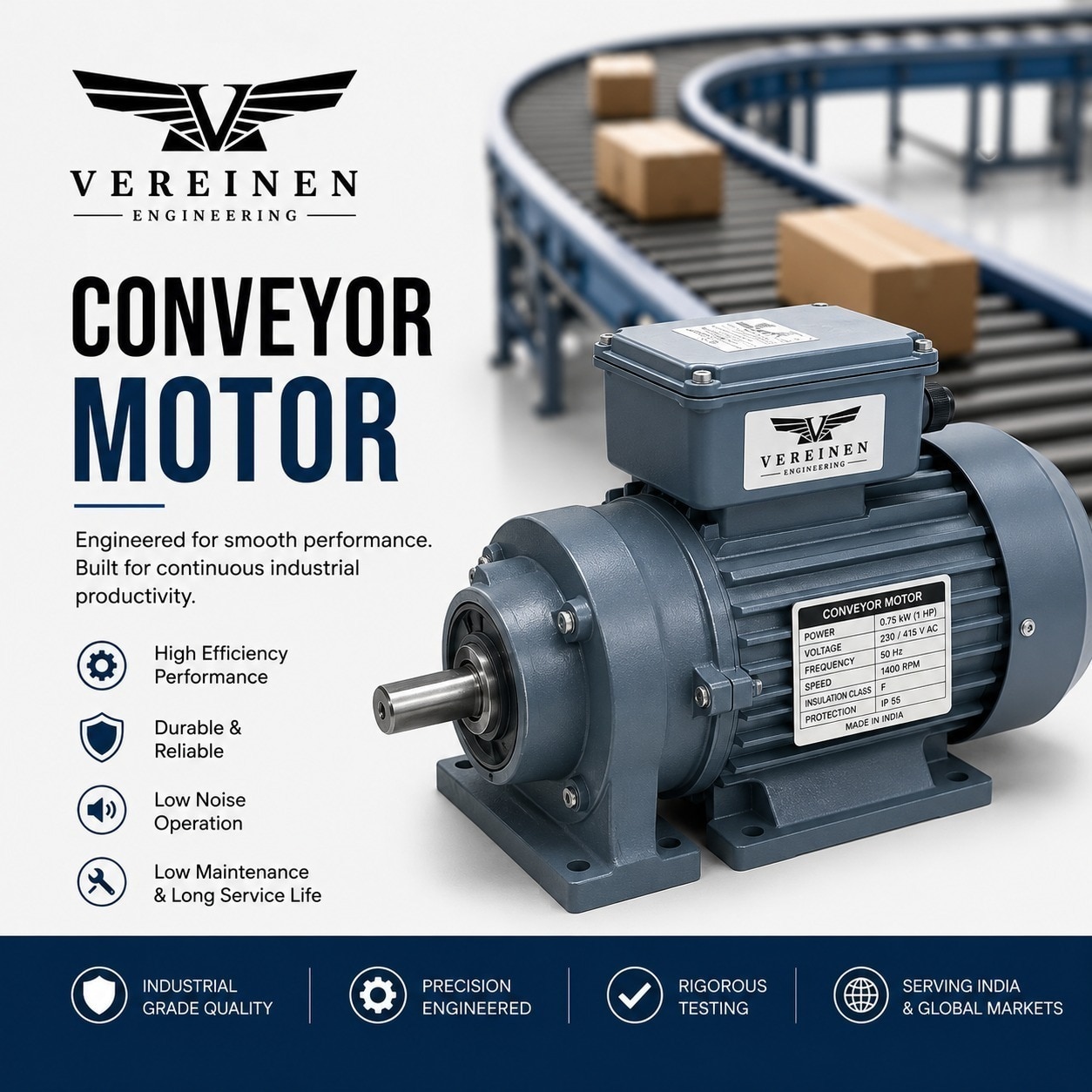
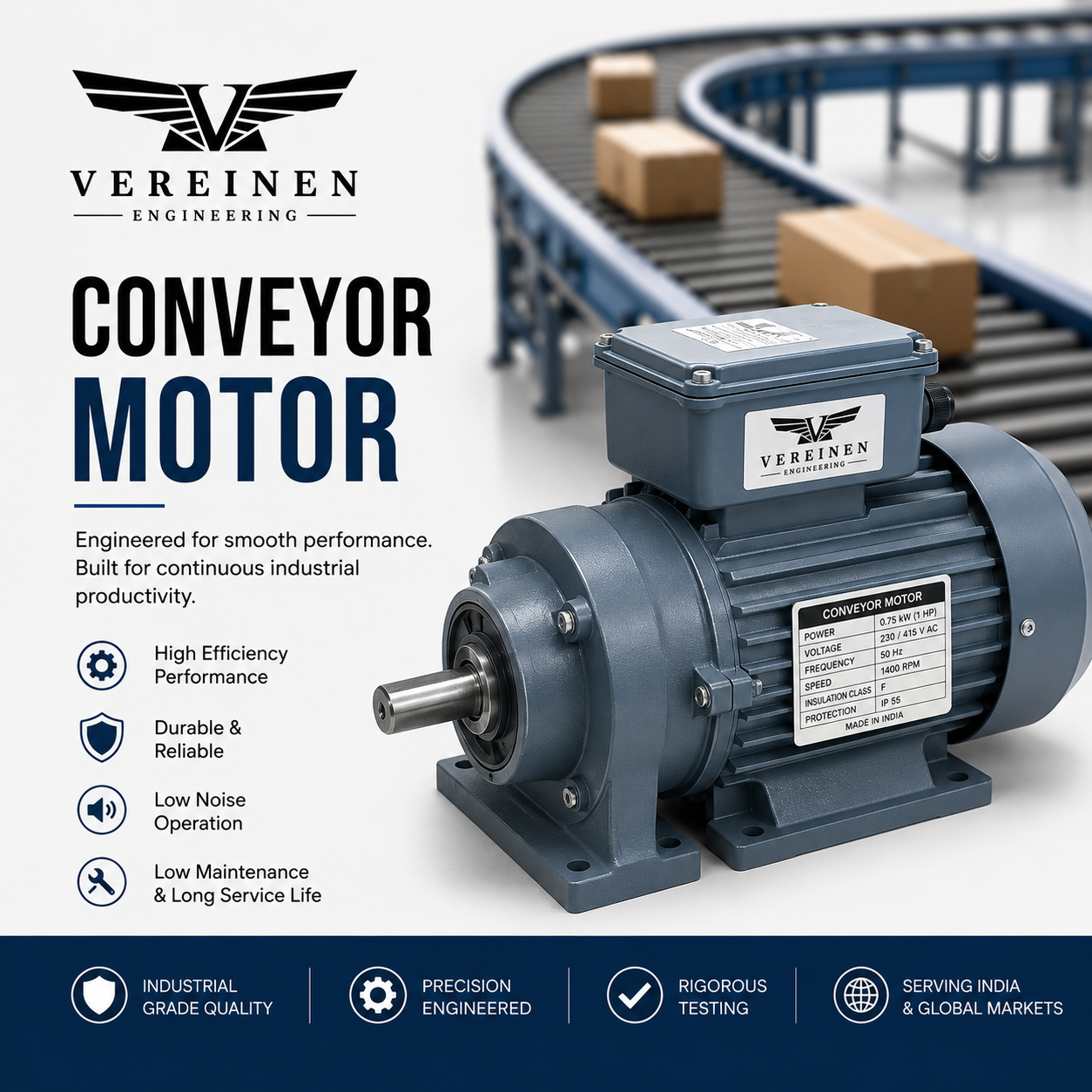 | Conveyor Motor Vereinen Engineering is a Pune-based OEM manufacturer of high-performance Conveyor Motors, designed to deliver reliable, energy-efficient, and... View product → |
Frequently asked questions
What must you do before touching a stopped conveyor motor?
Isolate the electrical supply and every connected energy source, then apply lockout/tagout before opening guards or clearing a jam.
How can you tell whether the motor or conveyor caused the stoppage?
Inspect the belt, pulleys, gearbox, bearings, brake, and jammed material before testing the motor and its controls.
Which information helps identify the real motor trip cause?
Compare the motor nameplate with overload settings, review the control-panel fault code, and check for phase loss, overcurrent, or overheating.
What is the correct sequence for restarting a conveyor?
Restart with an empty conveyor, jog it, run it without load, and add material gradually while monitoring current, noise, heat, and belt tracking.